your.studioExample post

Comment PRICES and I will send you the photo shoot options.
INSTAGRAM DMS. YOUR WAY.
Prepare a reply for every post. Choose a word that starts the next step and give it your own voice. From that first “PRICES?” to a conversation.
Prepare a preview here. Configure sending in the studio.
Comment PRICES and I will send you the photo shoot options.
01 COMMENT
klara.tvoriCould I get the PRICES?
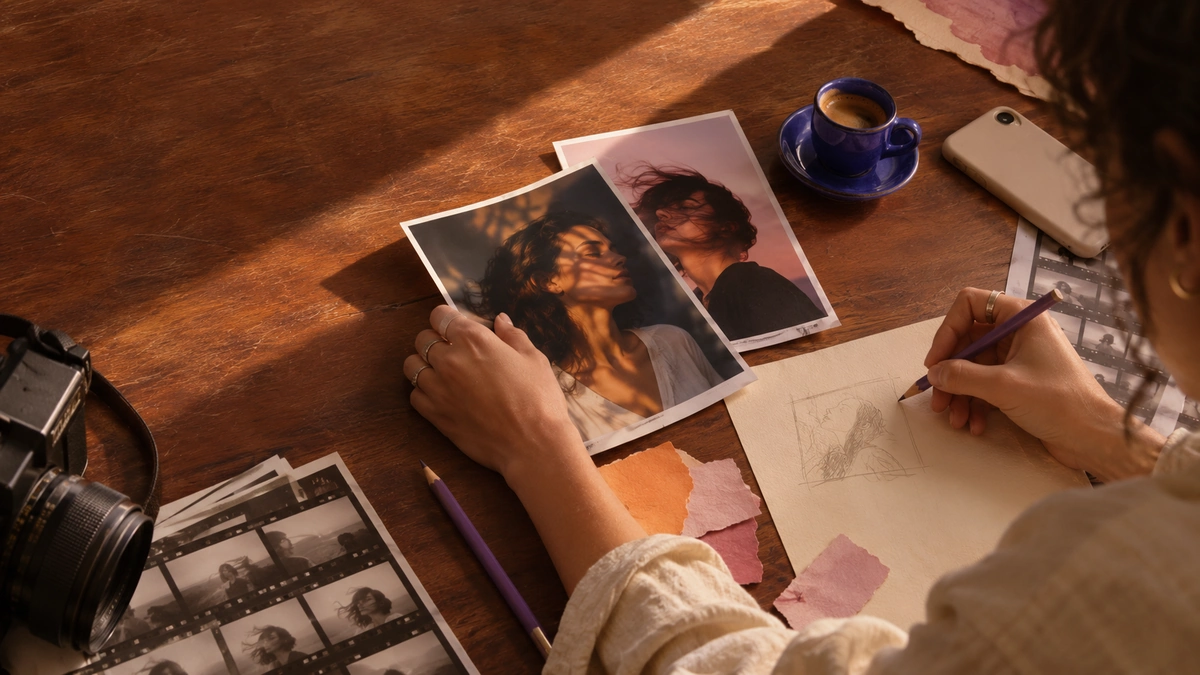 A CREATOR’S WORLD / 01
Behind every message is someone
who is interested in your work.
01 / ONE PRINCIPLE. YOUR STORY.
What will you share next? Choose a situation: the post, comment, and reply become one connected example.
02 / KNOW EXACTLY WHAT COMES NEXT
Change the word. Edit the reply. Try a comment.
Your draft is ready before you take the next step.
POST
Comment PRICES and I will send you the photo shoot options.
Up to 800 characters. Edit longer text yourself; we never shorten it automatically.
Your chosen word and exact text come with you.
Find all your drafts together in your workspace.
BEYOND THE FIRST WORD
Voluntarily shared emails, your own tags, and notes. Find a person and follow up with context.
Up to three text variants for individual steps. Retries keep the same selection. Compare confirmed sends; clicks belong to final variants with a tracked link.
CSV export and owner-configured Mailchimp or Ecomail connections. Capturing an address is not newsletter consent.
For one post, first preview eligible older comments. Only your confirmation adds replies to the same controlled queue.
DMFLOW / 03
| What starts the conversation | How you might reply |
|---|---|
01A comment on a postComment LINK on a specific Reel. | Hi, here is the resource I promised: [your link]. |
02A reply to a StorySomeone replies SESSION to your Story. | Thanks for your message. Find available times here: [your link]. |
03A keyword in a DMSomeone messages you PRICES. | Hi! Here are the options: [your link]. Message me if you need anything. |
03 / A FEW MORE WORDS
How your rules, preview, and connected account work together.
On this page, choose an example, edit the keyword and reply, and try a comment. In the studio, you work with your signed-in account, real content, and 18 templates. Saved automations stay in your workspace when you refresh.
The public demo sends nothing. A real automation needs a connected professional Instagram account, the required permissions, sending enabled on the server, and your explicit action to start the rule. Connection and sending status are shown in the studio. Saving a draft alone never sends a message.
In the studio, you can also prepare a reply to a Story or a keyword in an incoming DM. Rewind lets you preview and confirm replies to older comments on a specific post. Meta rules, messaging windows, and safeguards against duplicate replies always apply.
You do. The examples can give you a starting point, and you can edit the whole message in your own words. DMFLOW does not generate your replies with AI.
The studio shows your current monthly limit and confirmed DM count. The default plan provides for 500 private DMs per month; an administrator can set a different limit. When it is reached, pending messages are shown as waiting, and Meta messaging windows still apply. Payments and paid upgrades are not connected.
ROOM FOR YOUR NEXT STEP
From the first word to a prepared reply.
In your own voice, with everything in view.